 YouVPN
1
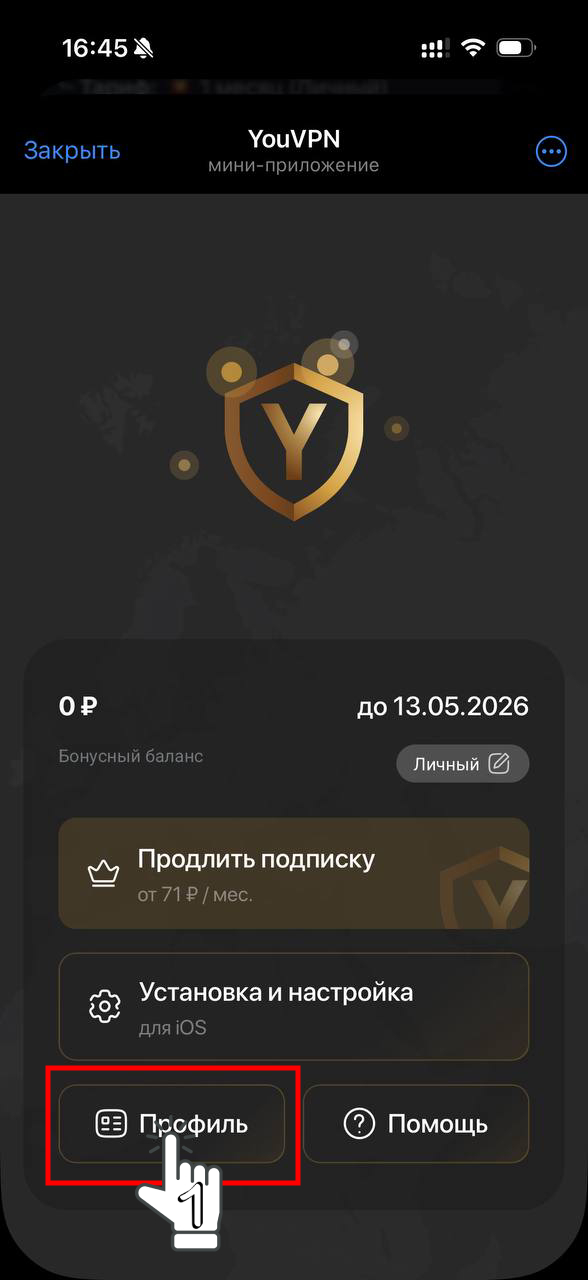
Open the Telegram bot.
2
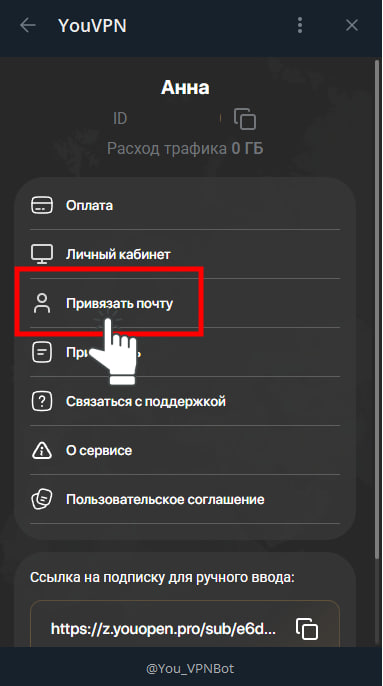
Open “Profile” → “Link email”.
3
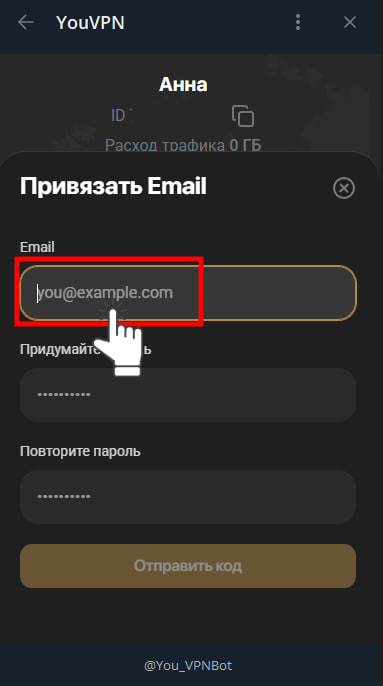
Enter your email address and confirm it with the code from the email. If it does not arrive, check your spam folder and make sure the address is correct.
4
After confirmation, follow the bot’s instructions to access your web account. Keep access to the linked email address.
5
You can now open your account.
Your experience matters
Did this help?
Your feedback helps us make these guides clearer.
We save your rating, reason and the guide address.